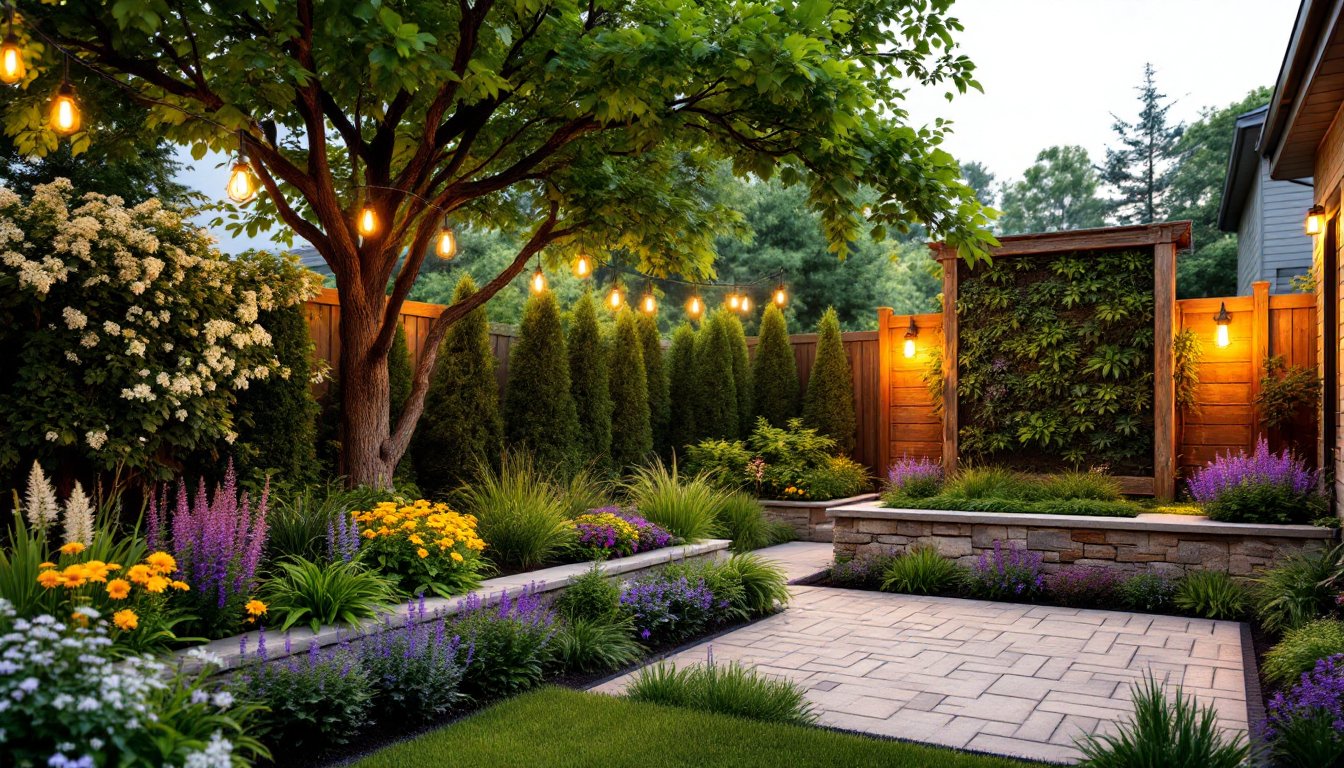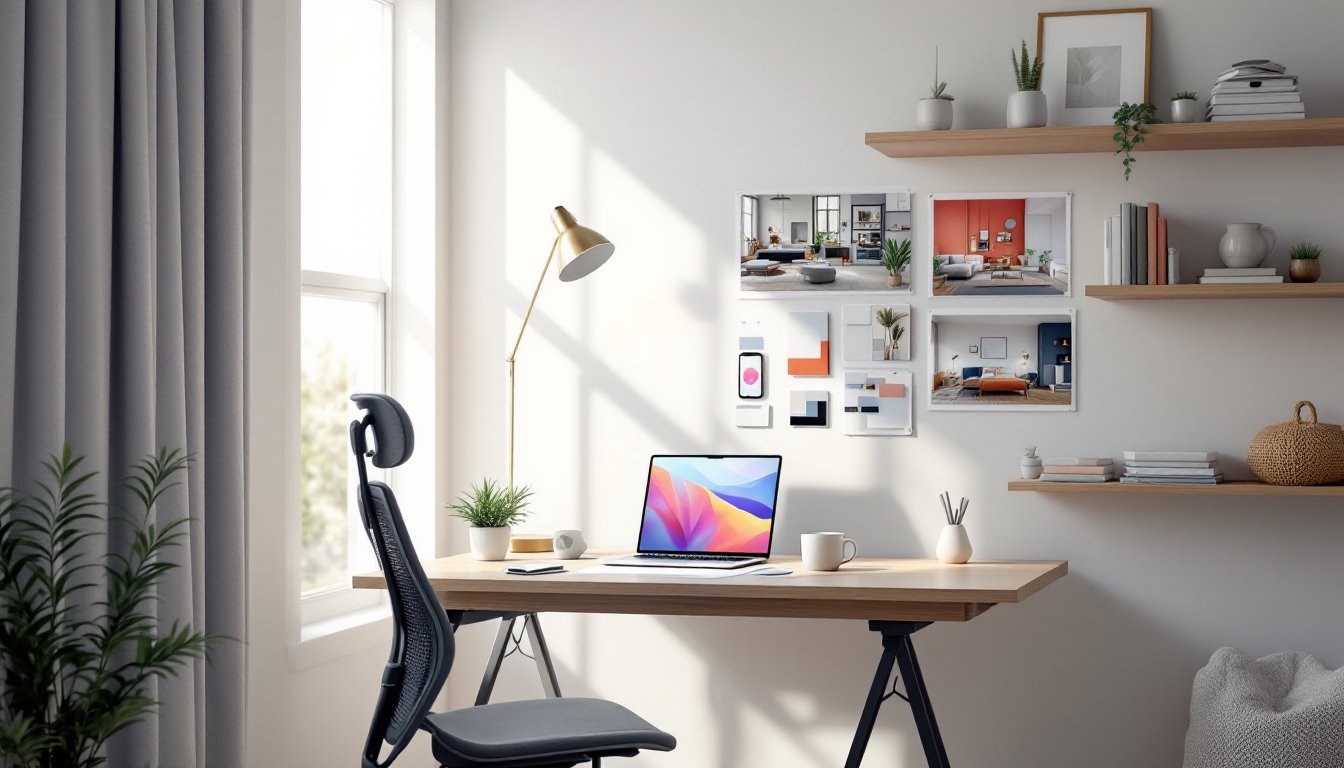
Artificial intelligence has officially moved into the living room. Midjourney, the AI image generator that’s been turning heads in art and design circles, is now a surprisingly practical tool for homeowners planning renovations, testing paint colors, and visualizing furniture layouts before spending a dime. Instead of hiring a designer to sketch concepts or squinting at Pinterest boards hoping a look will translate to your actual space, you can now generate photorealistic interior renderings in minutes. It’s not magic, and it won’t measure your windows or spec your electrical, but as a visualization and ideation tool, Midjourney is changing how DIYers and homeowners approach design decisions.
Table of Contents
ToggleKey Takeaways
- Midjourney AI interior design enables homeowners to generate photorealistic room renderings in minutes, democratizing access to professional design visualization at just $10/month versus $50-$200+ per hour for traditional designers.
- Effective Midjourney prompts require specific details about room type, style, materials, colors, and lighting—avoid vague descriptions to produce usable design concepts that explore furniture layouts, paint colors, and fixtures before renovation.
- AI-generated images are excellent for style and color exploration but have critical limitations including proportion errors, structural impossibilities, and lack of floor plans, so always cross-reference dimensions and consult professionals for structural or electrical work.
- Translate AI concepts to reality by screenshotting designs, matching materials to actual products at suppliers, measuring your real space, and testing the palette at small scale before committing to full renovations.
- Use Midjourney as a fast ideation and mood-board tool to communicate vision to contractors or explore design possibilities, but pair it with real-world tools like SketchUp and professional guidance for spatial accuracy and code compliance.
What Is Midjourney AI and How Does It Work for Interior Design?
Midjourney is a generative AI platform that creates images from text prompts. You type a description, say, “modern farmhouse kitchen with shaker cabinets and marble countertops”, and the AI produces a photorealistic rendering based on millions of images it’s been trained on. It runs through Discord, a chat platform, which feels clunky at first but becomes intuitive once you’ve generated a few images.
For interior design, Midjourney excels at concept visualization. It can show you what a mid-century modern living room looks like with walnut credenza and mustard velvet sofa, or how subway tile backsplash pairs with open shelving in a galley kitchen. The AI doesn’t know your room dimensions or the location of your outlets, but it’s excellent for exploring styles, color palettes, and furniture arrangements before you commit to paint samples or start moving heavy furniture.
The platform uses a subscription model, plans start around $10/month for basic access and scale up for commercial use and higher resolution outputs. You’ll need a Discord account (free) and a willingness to experiment with prompt phrasing. The learning curve is moderate: expect to spend an hour or two getting comfortable with the interface and refining your prompts.
Why Homeowners Are Turning to AI for Interior Design Projects
Hiring an interior designer runs anywhere from $50 to $200+ per hour, and even a simple mood board package can cost several hundred dollars. Midjourney offers unlimited concept exploration for the cost of a monthly subscription. That’s a compelling value proposition when you’re trying to decide between three shades of gray or whether a sectional will overwhelm your living room.
Speed is another factor. Traditional design mockups take days or weeks. Midjourney generates images in 60 seconds. You can test a dozen variations of a bathroom remodel, different tile patterns, vanity styles, lighting fixtures, in the time it would take to drive to a showroom. This rapid iteration helps homeowners make faster, more confident decisions.
The AI also democratizes access to design expertise. Not everyone has the budget for a professional consultation, but most people can afford a $10/month tool. Midjourney doesn’t replace the spatial planning, code knowledge, or material sourcing a real designer provides, but it levels the playing field for DIYers who want to explore design ideas without gatekeeping or intimidation. Many homeowners are using AI-generated concepts to communicate their vision to contractors or as a starting point before consulting with a pro.
Getting Started: How to Use Midjourney for Your Home Redesign
First, sign up for Discord and join the Midjourney server (instructions are on Midjourney’s website). Subscribe to a plan, basic access is fine for most homeowners. You’ll interact with the AI by typing /imagine followed by your prompt in one of the “newbies” channels.
Start simple. Try “cozy bedroom with neutral tones and natural light” to get a feel for how the AI interprets your words. You’ll receive four image variations. Click the U buttons to upscale a favorite or the V buttons to generate more variations of a specific image.
Key controls to know:
- Aspect ratio: Add
--ar 16:9or--ar 3:2at the end of your prompt to match typical room photography dimensions. - Style reference: Mention specific design movements (Scandinavian, industrial, coastal) to guide the aesthetic.
- Lighting cues: Words like “natural light,” “pendant lighting,” or “warm ambient glow” dramatically affect mood.
Save your favorite outputs. Right-click images to download them at full resolution. Create a folder for each room you’re planning to organize your concepts.
Creating Effective Prompts for Interior Design Results
Prompt quality determines output quality. Vague descriptions yield generic results. Specific, layered prompts produce usable design concepts.
Structure your prompts like this:
- Room type: “Living room,” “master bathroom,” “home office”
- Style descriptors: “Mid-century modern,” “rustic farmhouse,” “minimalist Scandinavian”
- Key features: “Leather sofa,” “subway tile shower,” “built-in bookshelves”
- Materials and colors: “Oak flooring,” “sage green walls,” “brass fixtures”
- Lighting and mood: “Afternoon sunlight,” “moody and intimate,” “bright and airy”
Example: “Modern farmhouse kitchen, white shaker cabinets, butcher block island, stainless steel appliances, subway tile backsplash, pendant lighting, natural light through large window, –ar 16:9”
Avoid overly complex prompts with more than 40-50 words, the AI starts to lose focus. If you’re not getting the result you want, adjust one element at a time. Change “leather sofa” to “linen sectional” or swap “industrial” for “transitional.” Many homeowners incorporate elements from colorful interior design trends to add vibrancy to AI-generated concepts.
Use reference images if you have them. Midjourney allows image prompts, upload a photo of your existing space or a design you admire, then add text describing modifications.
Real-World Applications: Room-by-Room Design Ideas with Midjourney
Living rooms: Test furniture layouts without rearranging. Generate images with sectional vs. sofa-and-chairs, gallery walls vs. single large artwork, built-ins vs. freestanding storage. Useful for visualizing how paint color interacts with existing furniture or whether a fireplace surround update will look dated or timeless.
Kitchens: Explore cabinet styles, backsplash options, and countertop materials. Prompt for “white cabinets with quartz countertops and glass tile backsplash” versus “navy cabinets with butcher block and marble subway tile.” Kitchens are expensive to remodel, seeing options rendered realistically helps prioritize spending. Readers interested in bold palettes often draw inspiration from tropical interior design aesthetics.
Bathrooms: Visualize tile patterns, vanity styles, and fixture finishes. Midjourney handles small spaces well. Generate concepts for powder rooms with wallpaper vs. paint, pedestal sink vs. floating vanity, or subway tile vs. hexagon floor tile. It’s particularly helpful for visualizing how grout color affects tile appearance.
Bedrooms: Test bedding colors, headboard styles, and accent wall treatments. Useful for teens’ rooms or guest spaces where you want input from family members, show three AI-generated concepts and let everyone vote.
Home offices: Explore desk placement, shelving configurations, and lighting solutions. Especially valuable if you’re converting a spare room and need to see how a built-in desk or wall-mounted cabinets might maximize space.
Keep in mind that AI-generated rooms don’t always follow real-world physics. Windows might float, chair legs may not touch the floor, and proportions can be off. Use these images for style and color guidance, not architectural accuracy.
From AI Vision to Reality: Turning Midjourney Designs Into Actual Renovations
Midjourney creates inspiration, not blueprints. Here’s how to translate AI concepts into buildable projects.
Step 1: Screenshot and annotate. Save your favorite AI images and mark specific elements you want to replicate, cabinet hardware, tile layout, paint color tone (warm gray vs. cool gray).
Step 2: Match materials to real products. That “marble countertop” in the AI image could be natural stone, quartz, or porcelain slab. Visit a supplier with your screenshots and ask for samples that match the look. Same goes for paint, bring images to a paint store and use their color-matching tools, or browse fan decks for close matches.
Step 3: Measure and plan. AI doesn’t account for your room’s actual dimensions, door swings, electrical boxes, or HVAC vents. Sketch a scaled floor plan or use a tool like graph paper to translate the AI’s aesthetic into your real space. If the project involves moving plumbing, electrical, or walls, consult a licensed contractor. Most jurisdictions require permits for anything beyond cosmetic changes.
Step 4: Source furniture and fixtures. The AI might show a gorgeous velvet sofa, but it won’t tell you where to buy one or whether it’ll fit through your door. Use the AI image as a shopping reference, look for similar shapes, fabrics, and colors. Reverse image search can sometimes help locate actual products that resemble AI-generated furniture.
Step 5: Test at small scale first. Before committing to a full kitchen remodel based on an AI concept, test the palette in a smaller project. Paint a bathroom or powder room in the same color scheme. Install a sample of the backsplash tile. This trial run reveals whether the AI’s aesthetic translates to your home’s lighting and scale. For example, concepts from modern French interior styles often look different in person than in renderings.
Safety note: If your project involves structural changes, gas lines, or electrical work beyond swapping a light fixture, hire a licensed professional. Building codes exist for good reason, and DIY structural work can create safety hazards or tank your home’s resale value.
Limitations and Tips for Best Results with AI Interior Design
Midjourney is a concept tool, not a design service. It doesn’t produce floor plans, elevation drawings, or material quantities. You won’t get a cut list for cabinets or a lighting plan that meets NEC code.
Proportion and scale issues are common. AI-generated furniture often looks perfect until you notice the sofa is twelve feet long or the pendant light is the size of a beach ball. Always cross-reference dimensions with real-world products.
Structural impossibilities happen. Floating stairs without support, windows in load-bearing walls, or lighting fixtures that defy physics. Treat AI images as mood boards, not construction documents.
Cultural and stylistic bias exists. The AI’s training data skews heavily toward contemporary Western design trends. If you’re looking for authentic regional styles, say, traditional Japanese interiors or Southwestern adobe aesthetics, you may need very specific prompts and multiple iterations. Some homeowners explore interior design concepts alongside AI tools to broaden their creative approach.
Tips for better results:
- Use version 6 or newer of Midjourney (specify
--v 6in your prompt). Newer versions handle interiors more realistically. - Iterate in small steps. Change one variable per prompt to see what improves the output.
- Steal good prompts. Browse Midjourney’s community gallery to see what others are generating and adapt their prompt structure.
- Combine with other tools. Use Midjourney for aesthetics, then switch to SketchUp or a room planner app for spatial accuracy.
- Reference real design publications. Platforms like Dwell and MyDomaine provide context and real-world examples that help ground AI concepts in reality.
Finally, remember that good design isn’t just about aesthetics. Functional layouts, durable materials, proper lighting, and code compliance matter more than a pretty rendering. Use AI to explore what you like visually, then work with real-world constraints to make it happen. Professionals working in commercial office interior settings often use AI for client presentations before finalizing technical drawings.
Midjourney won’t replace a designer’s expertise, a contractor’s skill, or your own common sense. But as a fast, affordable way to test ideas and visualize possibilities, it’s a solid addition to the DIY toolkit, just don’t expect it to tell you whether that wall is load-bearing or how many gallons of primer you’ll need.